Choose the week's anchors
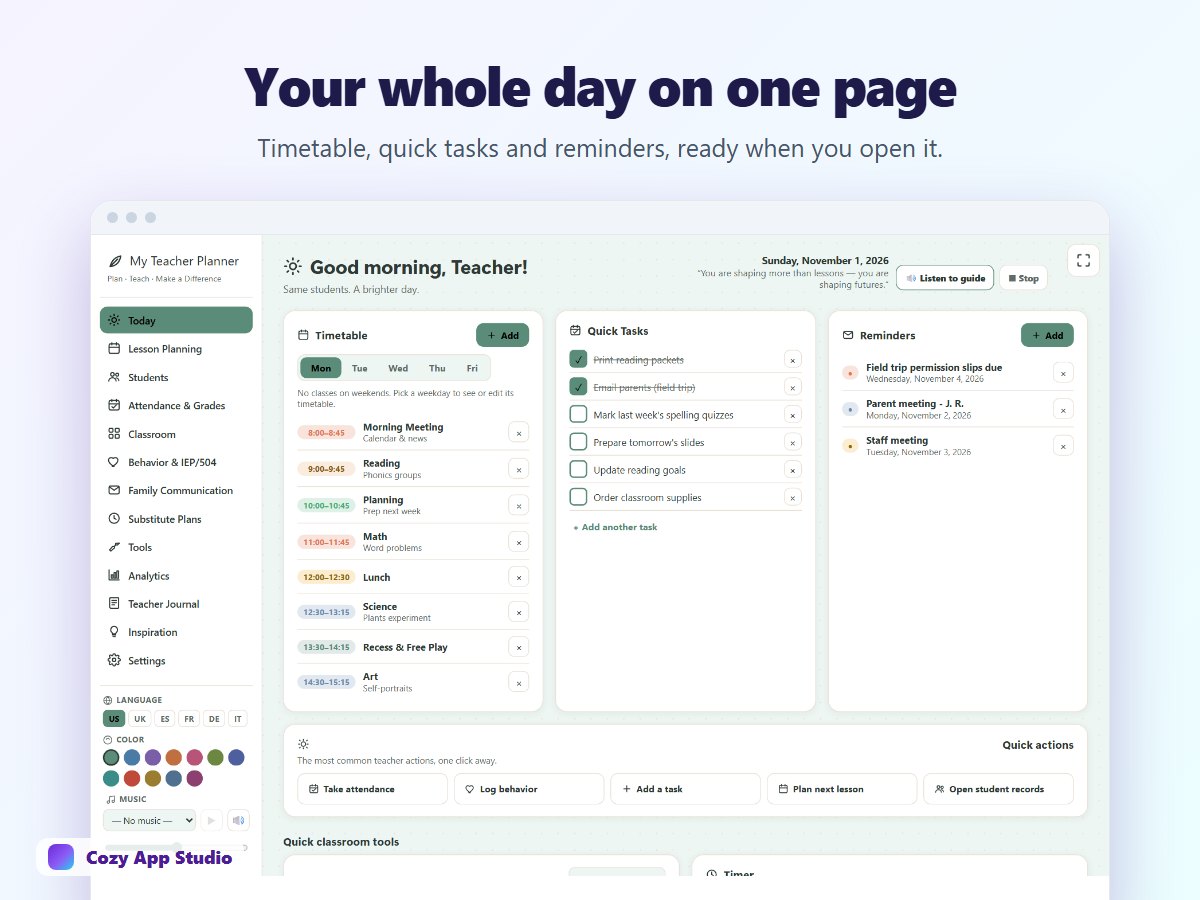
Start with fixed commitments: lessons, meetings, deadlines and events. Then select a few priorities that need preparation. Leave open space for the work that appears during the school day. If every minute is filled, the plan will be out of date before lunch.
Keep notes actionable and appropriate
After a lesson, jot down what needs a follow-up: a material to print, a question to revisit or an activity that took longer than expected. Keep student information proportionate to your purpose and follow your school's privacy rules. A note such as ‘bring a second example for Thursday’ is more useful than a long account you never revisit.
Close the loop on Friday
Move unfinished tasks to a specific day next week, archive what is done and scan your class notes for unresolved questions. In Teacher Planner, the Today view, student area, attendance and analytics can bring these pieces together on a computer or tablet. Try the demo with its fictional sample data before deciding whether the workflow fits your classroom.
Use the planner as an aid to your professional judgement. It does not replace your school's official records or policies.